
Payments / FinTech
Private, Secure, zero-knowledge payments, ephemeral and away from prying eyes and staff.
PinionAI FormBuilder
PinionAI offers FormBuilder and Form Server to create and serve AI deliverable forms which interface directly to APIs, bypassing LLMs for maximum security and control.
Deliver AI forms to interface directly with secure APIs, bypassing LLMs for maximum security and control. Agents hand off to a form, the data goes straight to your endpoint — never through the chat, message tracking or the model.
Use Cases for Every Industry
Built for compliance, security, and scale across regulated industries.
Whether finance, healthcare, or SaaS, FormBuilder adapts to your specific data collection needs.
Private, Secure, zero-knowledge payments, ephemeral and away from prying eyes and staff.
HIPAA-ready data collection structures with clear instructional headers and display-only legal text.
Dynamic configuration forms that pre-fill based on customer orders and user session data.
Streamlined signature collection for waivers, NDAs, and employee agreements.
PinionAI FormBuilder in action
The PinionAI FormBuilder's primary function is to author and test forms. A remarkable list of form fields are available, including elements like signatures, credit card and other robust options.
Describe your needs in plain English and let our engine handle field types, validations, and branding automatically. Stop starting from scratch.
Isolated rendering, OAuth2 protection, and robust validation ensure zero interference and only high-quality data enters your pipeline.
Total control over the aesthetic. Customize themes, colors, and branding so forms look like a native part of your ecosystem.
Regex patterns, mandatory field logic, and custom rules ensure that only quality data enters your system.
Export and reuse your form definitions across applications. Perfect for version control and team collaboration.
Seamlessly integrate with any REST API. Configure custom submission endpoints with OAuth2 and advanced authentication.
Organize complex, large-scale forms into elegant, digestible sections. Dynamic tab header badges spot validation issues immediately with real-time error counts, and a helpful jump-to-tab overlay lists problem spots with instant redirect links so users can resolve issues effortlessly.
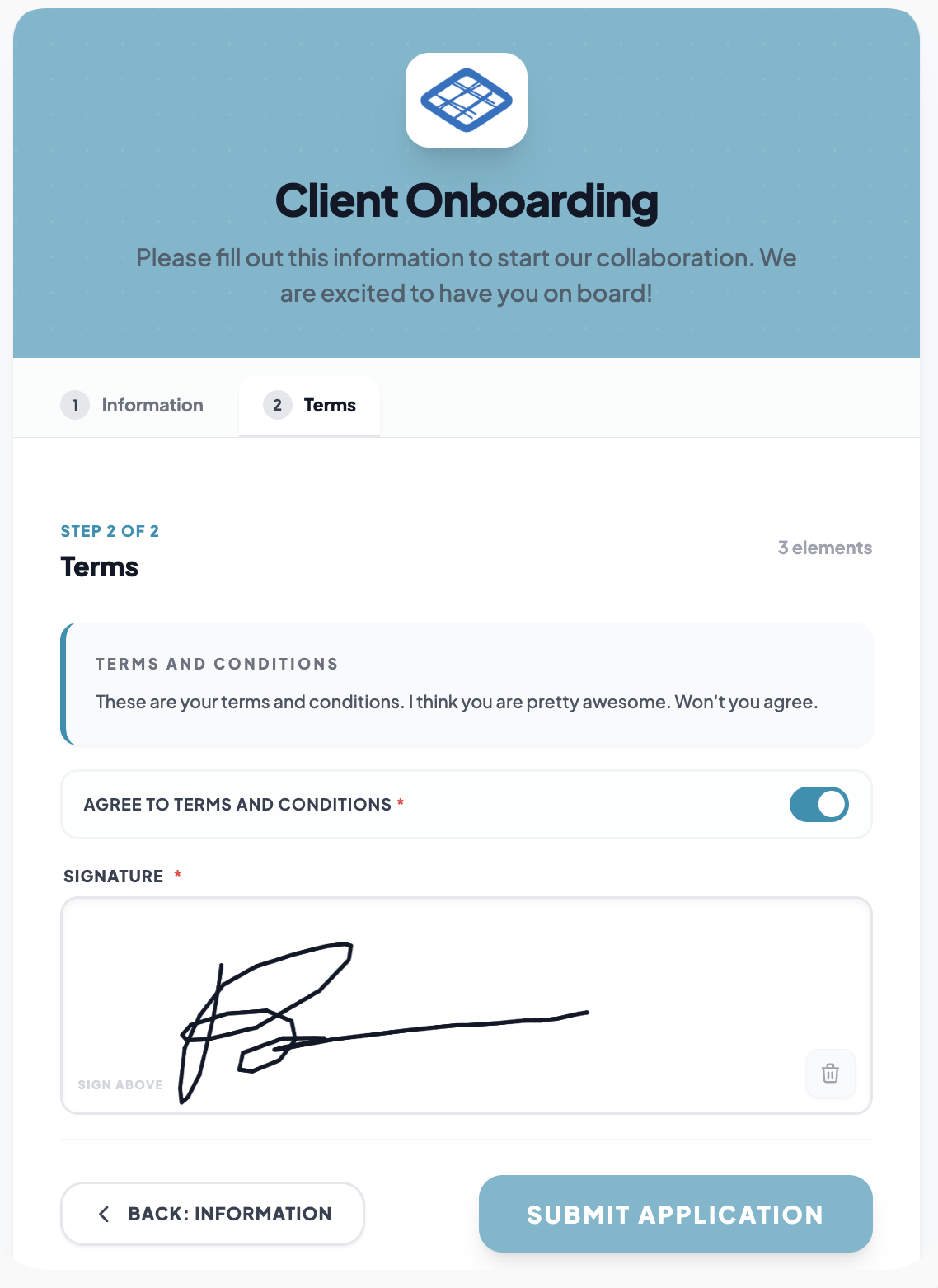
Collect clean, high-fidelity digital signatures. Our custom HTML5 canvas element supports smooth mouse and touch-based hand-drawn signatures, automatically encoding vector path results on submission.
Deploy seamless two-factor verification with standard 6-digit passcode inputs, responsive auto-advance, backspace backup correction, and full input filtering.
Key Features
Zero Knowledge Compliance
API submission and response fully private, not in LLM.
Visual Editor
Click-to-Add interface to design forms without coding.
AI Assistant
Get help from AI to create the appropriate form structure.
Validation Rules
Set up name, required field, and custom validations.
Styling Options
Customize colors, logos, and form appearance.
Export / Import
Easily export your form as JSON to use in PinionAI Studio > Forms.
The form is delivered by the LLM, but the form submission and response maintain complete zero knowledge status. No data traverses within the AI chat, message tracking or LLM, keeping data safe and secure.
Form variables and content can be pre-filled by data. AI will populate once live, but during building it's easy to add test data to see the form in action.
Integration in three steps
Use the AI FormBuilder to create your perfect JSON Schema.
Use our Data Editor to map existing user data into the form. Once live, AI can pre-fill fields and variables.
Copy to your PinionAI Studio form, add a form and watch your form come to life.
Experience the power of intelligence-driven forms. Build secure, portable, and beautiful forms in minutes, not weeks.